Hold
Watch Norma search through structures, mappings and color.
NORMA — GENERATIVE GEOMETRY
Follow your instinct. Generate a composition, keep what moves you, and let NORMA rebuild around it.
Proportion becomes play: each gesture opens a new direction, and every choice makes the composition yours.
Creation begins
in the space between.
01 — THE LOOP
Norma is not a form with twenty controls. Start by playing. When one piece feels right, keep it. The search continues around that decision.
Watch Norma search through structures, mappings and color.
Tap one region. That exact piece becomes your decision.
Hold again. The kept piece stays while the rest changes.
02 — PHOTO REMIX
Use the same proportional geometry with photographs. Feed Norma three images, then let the structure decide how they share the square.

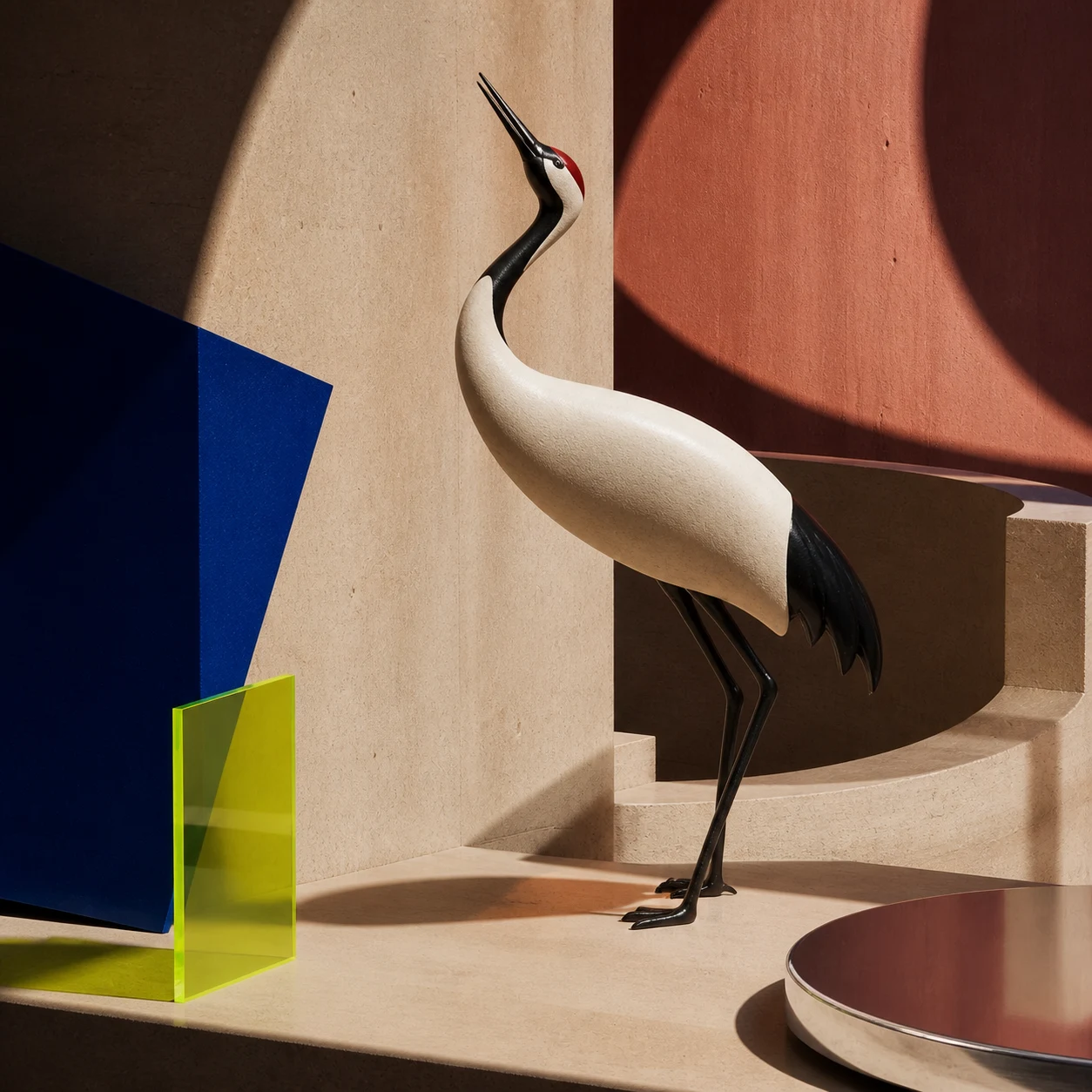
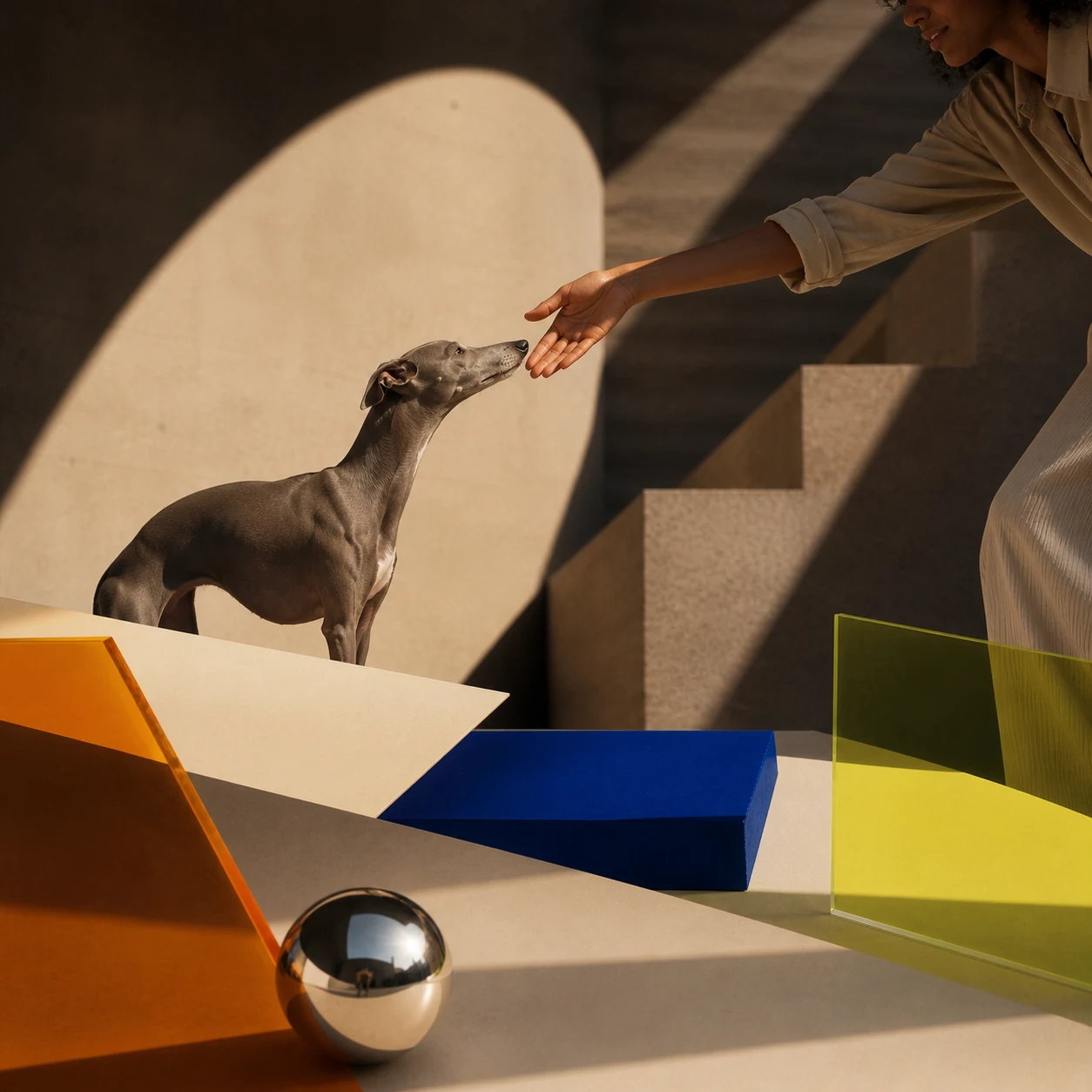
Not AI image generation. Your images, re-composed through geometry.
Try Photo mode ↗03 — DEPTH WHEN YOU NEED IT
Create stays immediate. Studio reveals the ratios, families, exactness and construction only when you want precise control.
Generate, keep, recolor, swipe, save.
Open Create ↗Compare candidates, edit cuts and inspect the geometry.
Open Studio ↗04 — PUBLIC TOOLS
Focused references for practical work: calculate a dimension, compare relationships, browse canonical formats, or study composition through real examples.
MAKE SOMETHING
Start with one press. Open the structure only when you want it.